Demo Lab
See the system before you order it.
A working preview instead of a description. Pick the trade closest to yours, then look at both the public side your customer sees and the admin side you see.
Every preview is a concept I built to show how the system works. They are not results from real clients and the data in them is invented. The real projects are on the projects page, and it says there whose they are.
Trades
Start from what you actually do.
The same system looks different in a workshop and in a restaurant, because what makes people call you differs. Three trades have a demo; the rest arrive in the order they get asked for.
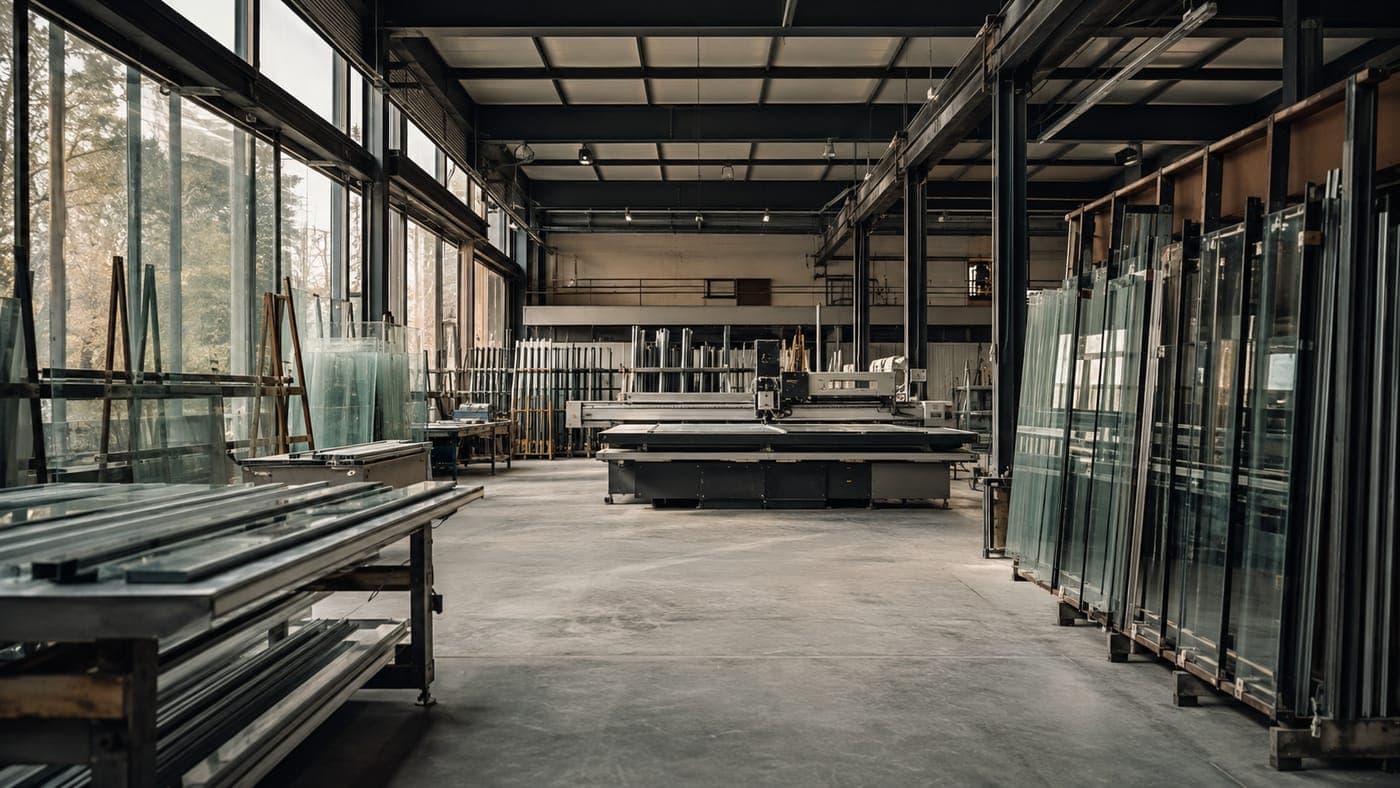
Demo ready
Trades, construction and home services
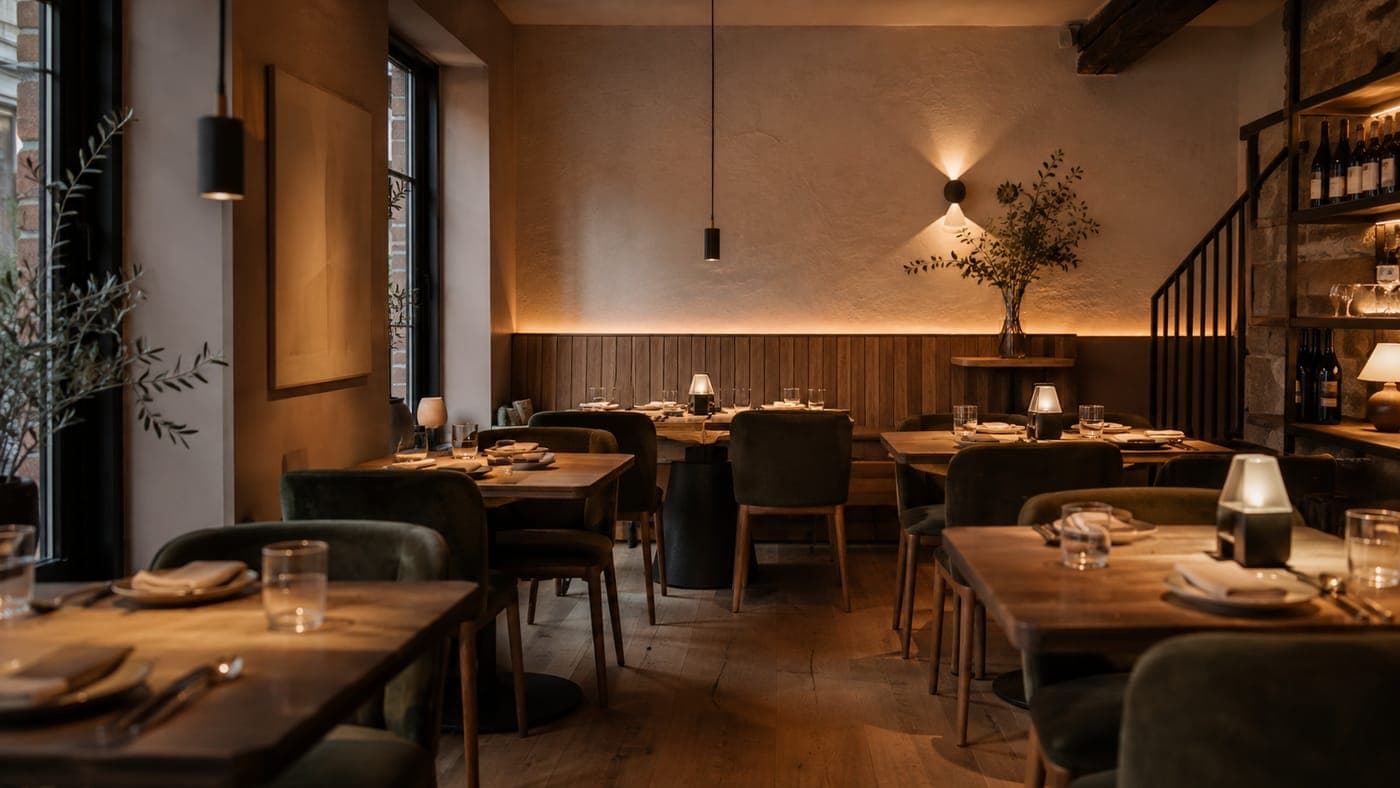
Demo ready
Restaurants, hotels and tourism
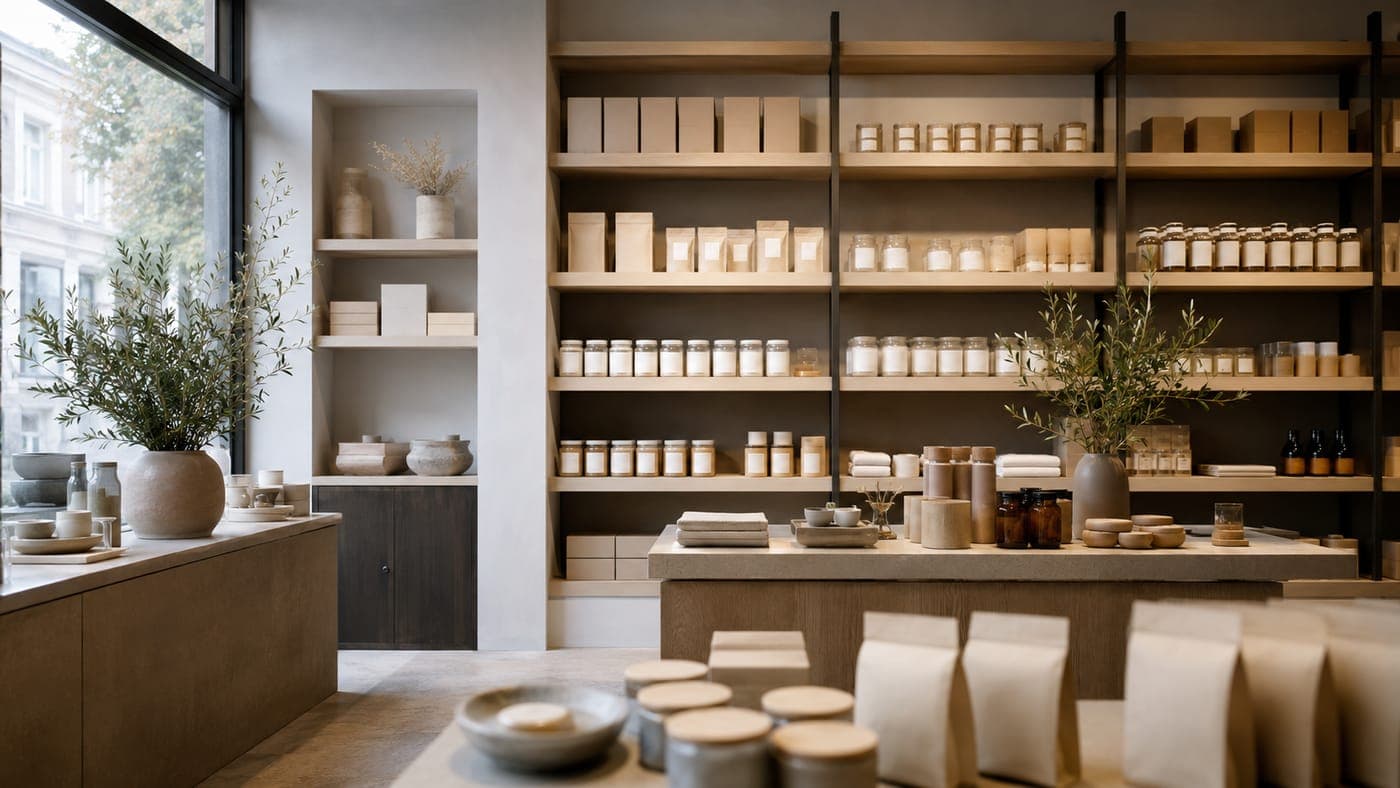
Demo ready
Retail and online selling
In preparation
Healthcare, dental and clinics
In preparation
Beauty, wellness and fitness
In preparation
Lawyers, accountants and consultants
In preparation
Cars, garages and transport
In preparation
Real estate, architecture and interiors
In preparation
Wholesale, manufacturing and B2B
In preparation
Software, startups and SaaS
In preparation
Education, courses and associations
Your trade is not on the list, or it is still in preparation? Get in touch and say what you do. Demos are built in order of demand, and your enquiry is settled by a conversation anyway, not by a demo.
Modules
The four things people ask for most.
Every sector demo is built from these parts, in whatever combination that trade needs. You do not need all four, and sorting that out is the first thing we do.
A site that brings enquiries
A page per service instead of one page for everything, with a clear route to a call or a form. This is the base and it is often enough on its own.
- A page per service and per location, written for what people actually type
- A form and a phone number wherever the visitor decides to get in touch
- Measurement of where the enquiry came from, without Google Analytics
Project level: Level 2, source of enquiriesRoughly from: BAM 1,200Shop
Catalogue, cart and payment. It makes sense when you sell something that can be shipped, not when every job is agreed on site.
- A catalogue with filters and a product page
- Cart, delivery and payment, with a choice of payment method
- Orders, customers and sales analytics in the panel
Project level: Level 4, sales and operationsRoughly from: BAM 3,000Bookings
An appointment, a table or a shift, with confirmation and a reminder. It solves the phone ringing at the worst moment and appointments written on paper.
- A calendar with availability by person, room or shift
- Confirmation and a reminder, to cut down no-shows
- Cancellations and changes without a phone call
Project level: Level 4, sales and operationsRoughly from: on requestAdmin panel
What you see behind the site: enquiries, sources, orders and figures in one place, in the language of your business rather than of a tool.
- Enquiries with a status and a source, instead of searching your inbox
- Revenue, earnings and clicks in the same view
- Roles, so everyone sees only what they need
Project level: Level 4, sales and operationsRoughly from: BAM 400
Duration sits with the package, not with the module, because the same module takes longer or shorter depending on how many pages and integrations it carries. The ranges are on the pricing page.
Two sides
The public side and the admin side are not the same job.
Most people have never seen what happens behind a website, so they do not know what to ask for. That is why every demo has both sides, one click apart.
The public side
What your customer sees: services, prices, gallery, form and phone. This is where they decide whether to get in touch.
The admin side
What you see: who got in touch, where they came from, what was ordered and how much of it was paid. This is where you see whether the site is doing its job.
The admin preview runs on invented data and is read only. No demo touches real client data.
How far a demo goes
What a demo shows, and what a project adds.
A demo shows the mechanism. A project is the same mechanism with your content, your data and measurement set up for you.
The demo shows
- What the route from search to enquiry looks like
- What is visible in the panel and in what order
- How the public and admin sides hold together
The project adds
- Your text and your photos, written and chosen for your trade
- Your data, and the move from an existing site if you have one
- Connections to tools you already use, where that is possible
- Measurement set up, and a view of the figures that you read, not me
What is included in which price, and what is charged separately, is on the pricing page next to each package.
Want a system like this?
Want a system like this?
Send the address of your current site, or say you do not have one. You get a recorded walkthrough and a list of what you would actually need, with no obligation.